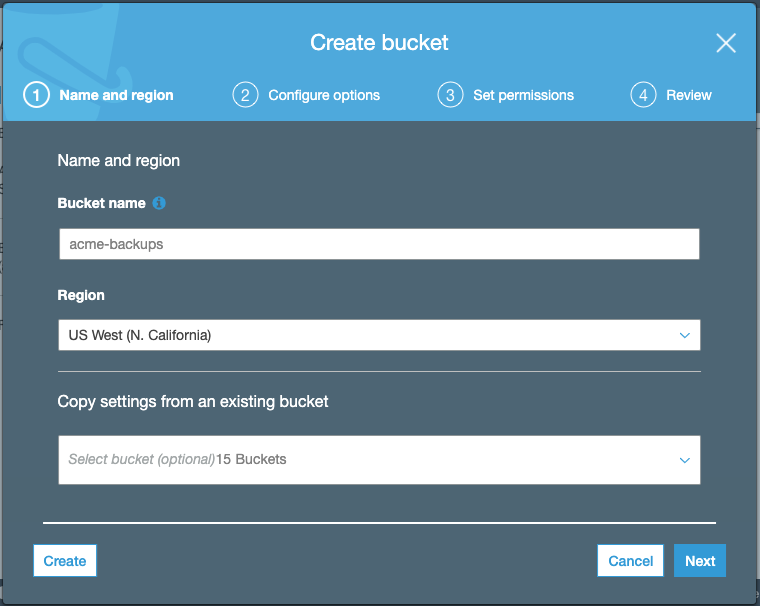
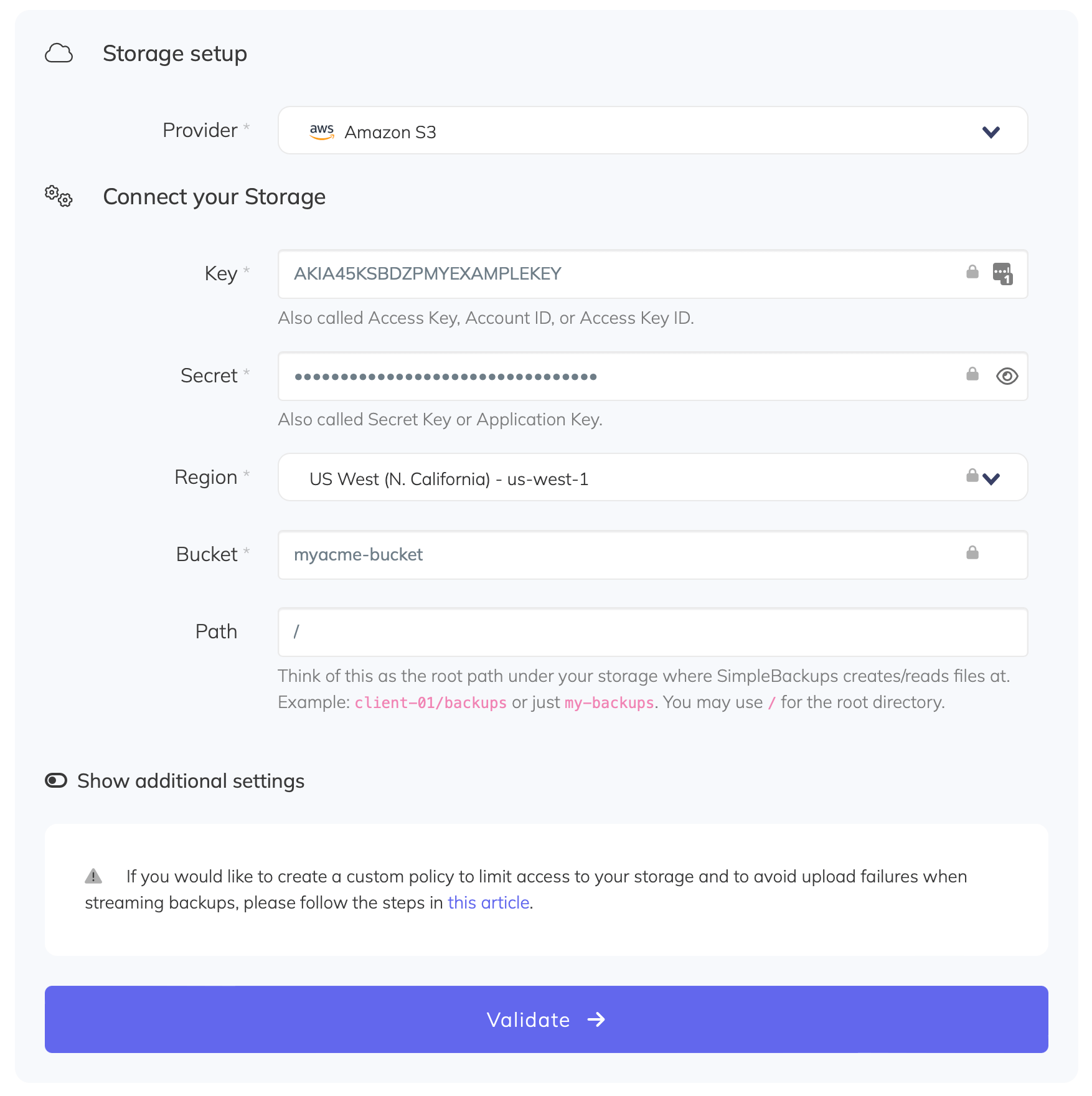
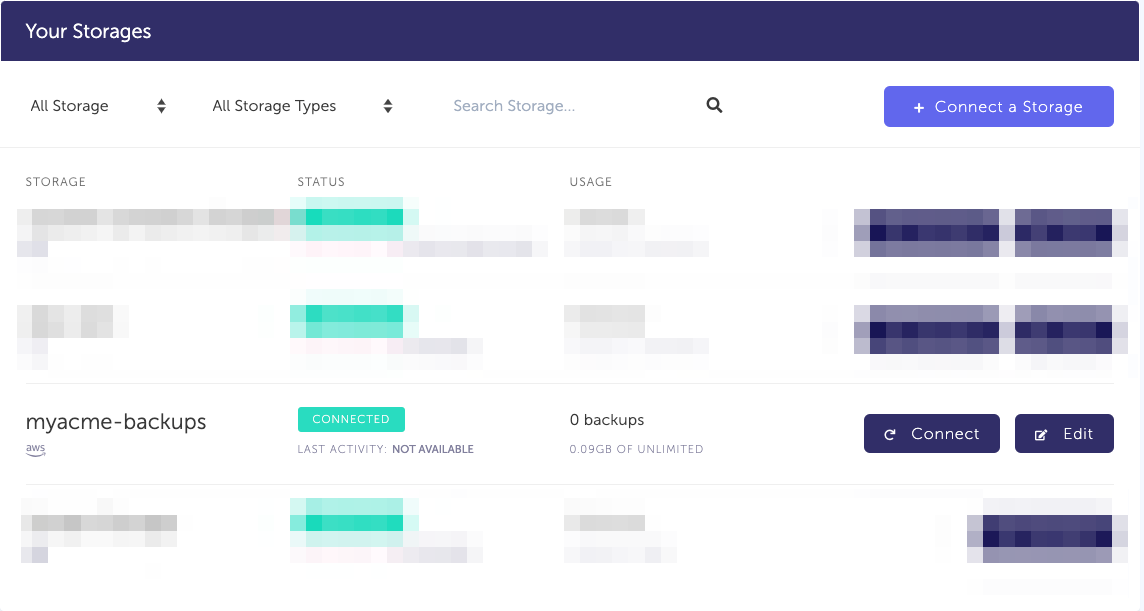
Keep default options for (2) Configure options, (3) Set Permission, review and create your bucket.
Information you'll need in step 3:
Your "Bucket" name, in this case "myacme-backups"
Your "Bucket" Region, in this case "US West - N. California"
2. Create your AWS credentials
In order to give access to your newly created bucket, you'll need to provide credentials to SimpleBackups. Follow this simple article on how to get your AWS S3 Credentials.